Home Description
1. Wallet Connect Button
The Connect Wallet button is prominently displayed in the top-right corner of the homepage. It allows users to connect their cryptocurrency wallet to interact with the platform (e.g., buying, selling, or launching tokens).
Location: Top navigation bar
Purpose: Authenticate and enable wallet-based actions
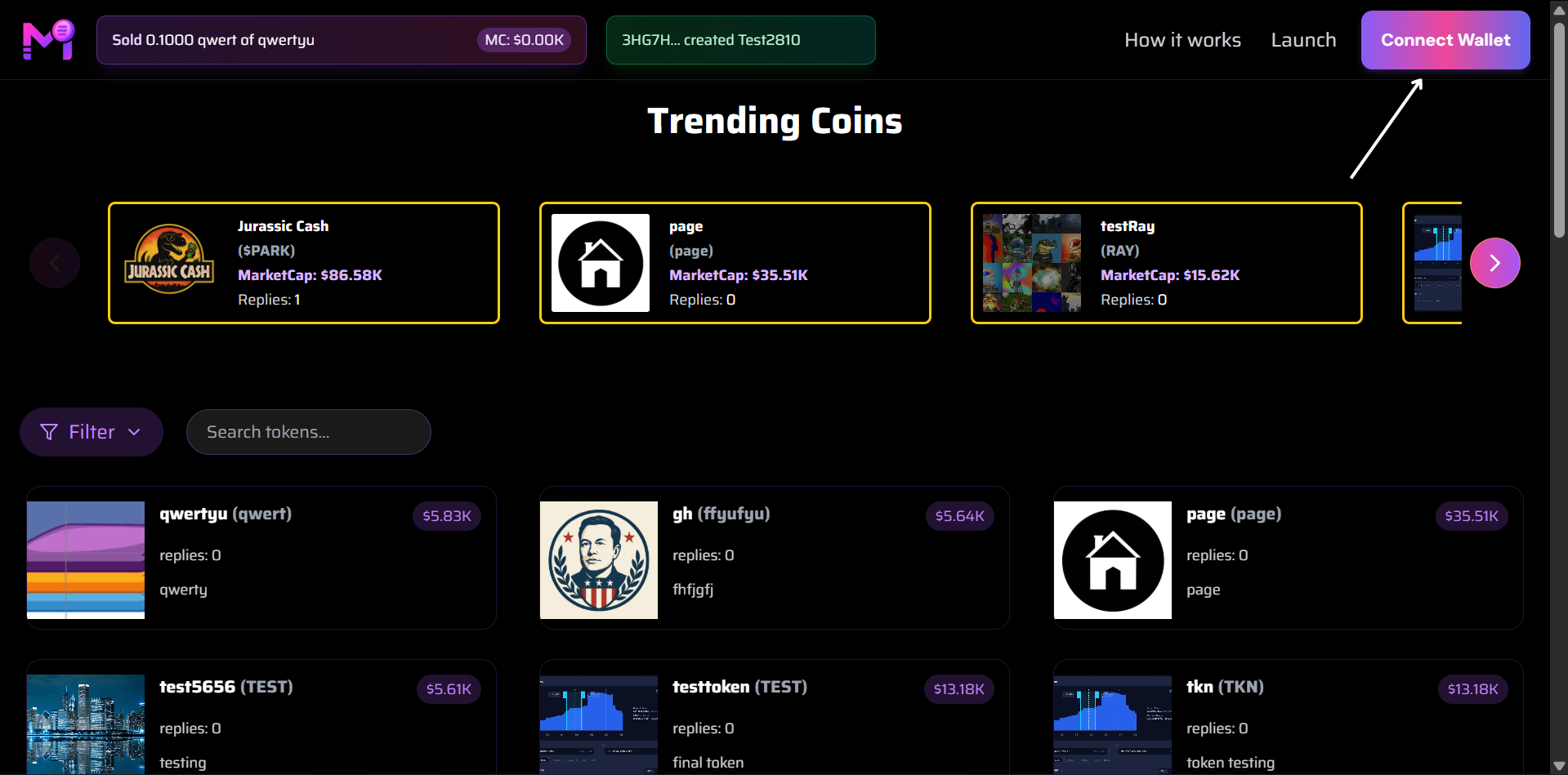 Connect Wallet button highlighted in the top-right
2. Launch
Launch button is to create and launch a new token on the platform.
Location: Top navigation bar
Purpose: Create and launch a new token on the platform
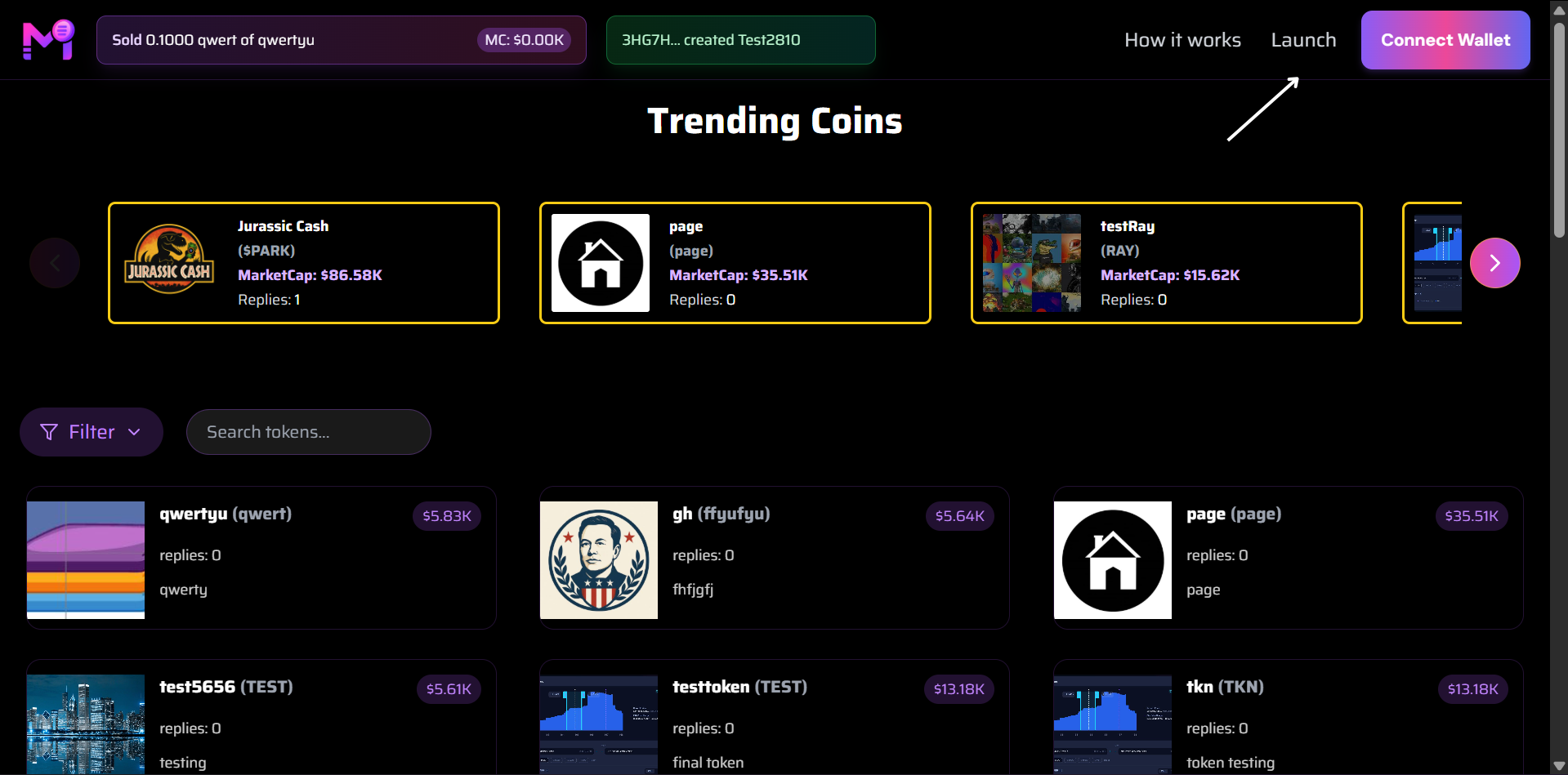 Launch button highlighted in the top-right
3. Sold Notification Banner
A dynamic sold notification appears at the top of the page whenever a token is successfully purchased. It shows real-time activity and builds social proof.
Example:
Sold 0.1000 qwert of qwertyu
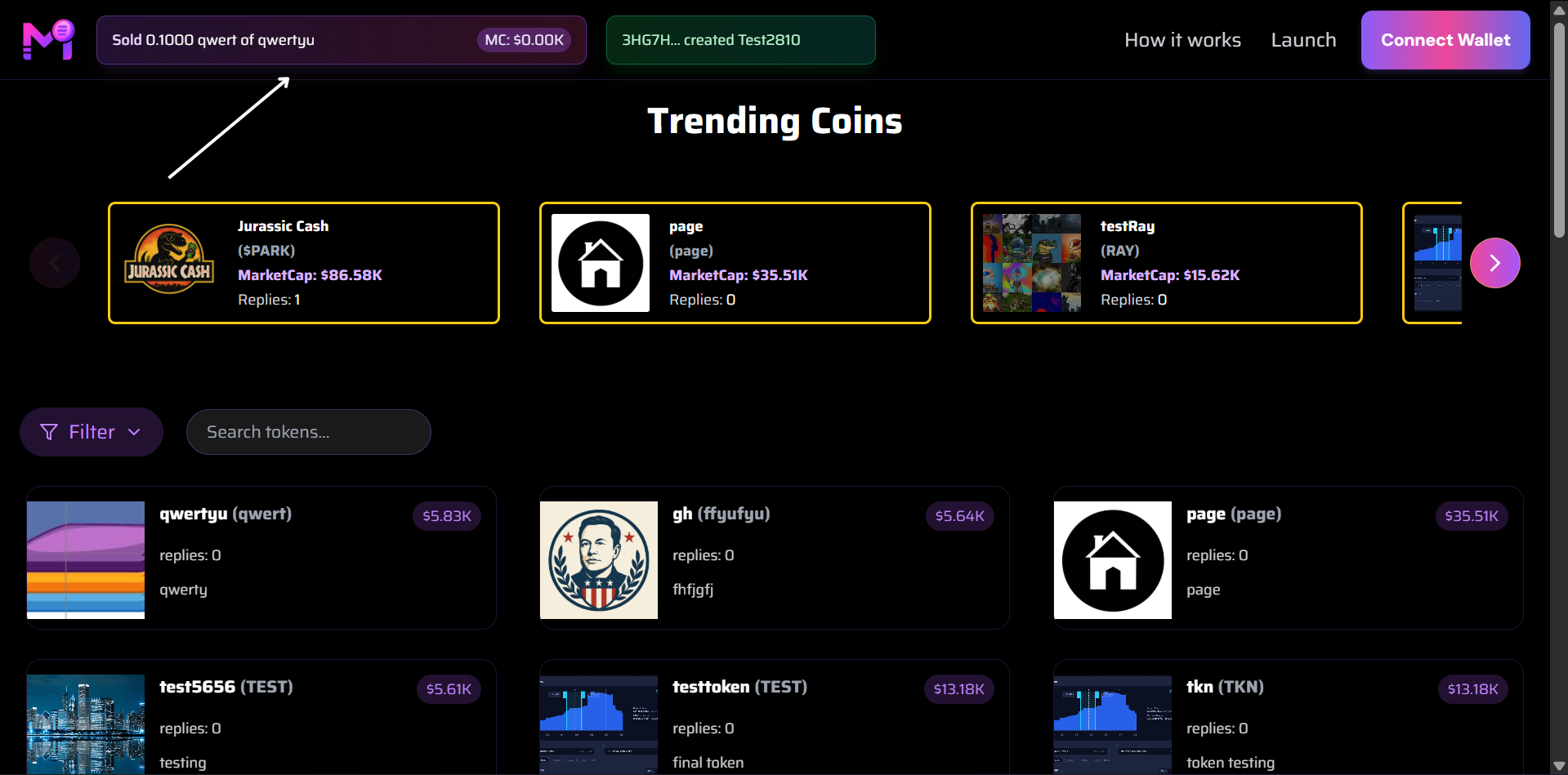 Real-time sold transaction alert with token name and amount
4. Created Token Notification
When a new token is created and launched, a creator badge appears next to the market cap. It credits the creator and shows the token address or identifier.
Example:
3HG7H... created Test2810
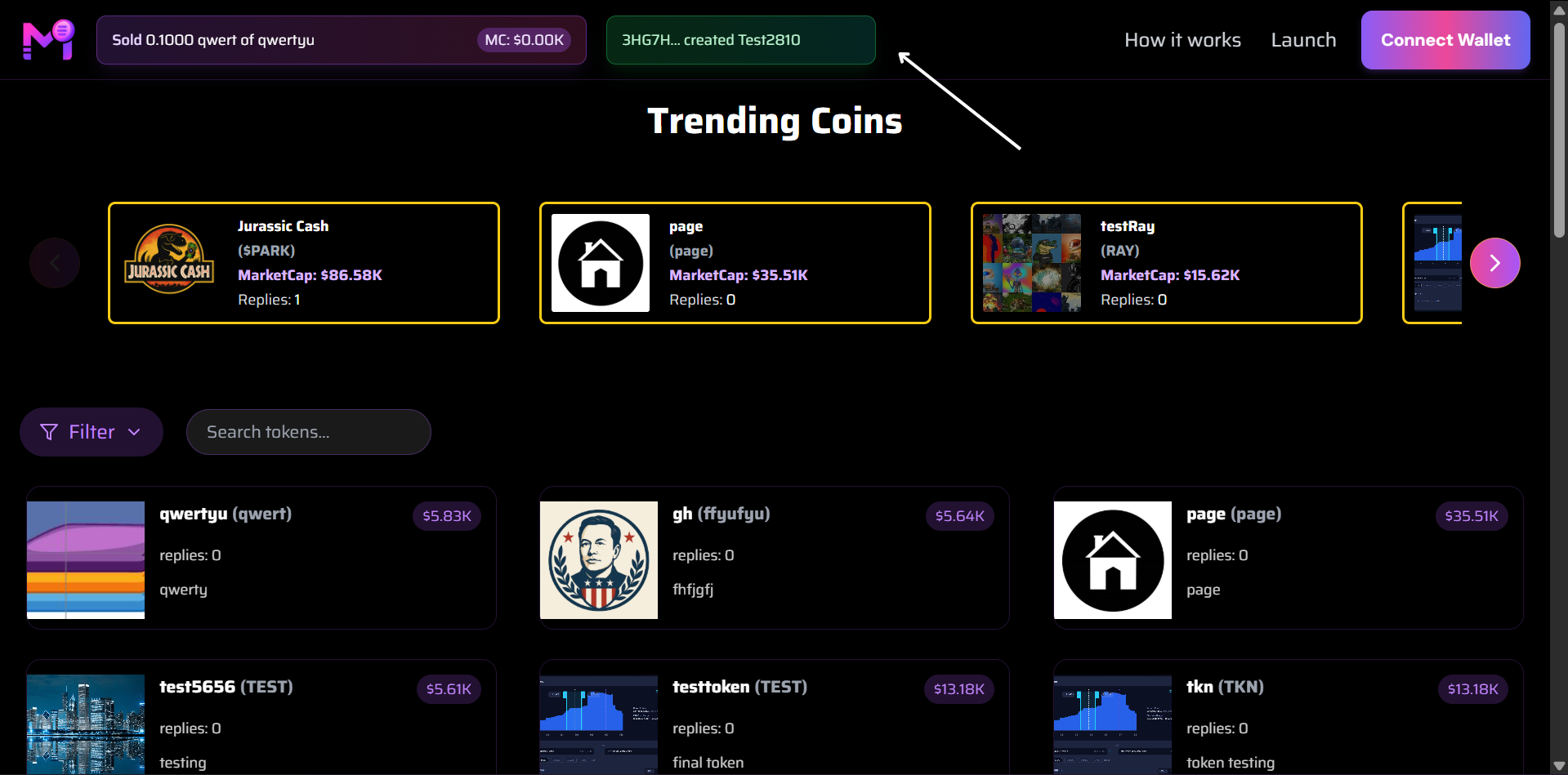 Creator credit shown next to market cap
5. Trending Coins Carousel
The Trending Coins section features a horizontal carousel of currently popular or high-volume tokens. Each card includes:
- Token logo
- Name & ticker
- Market cap
- Replies count
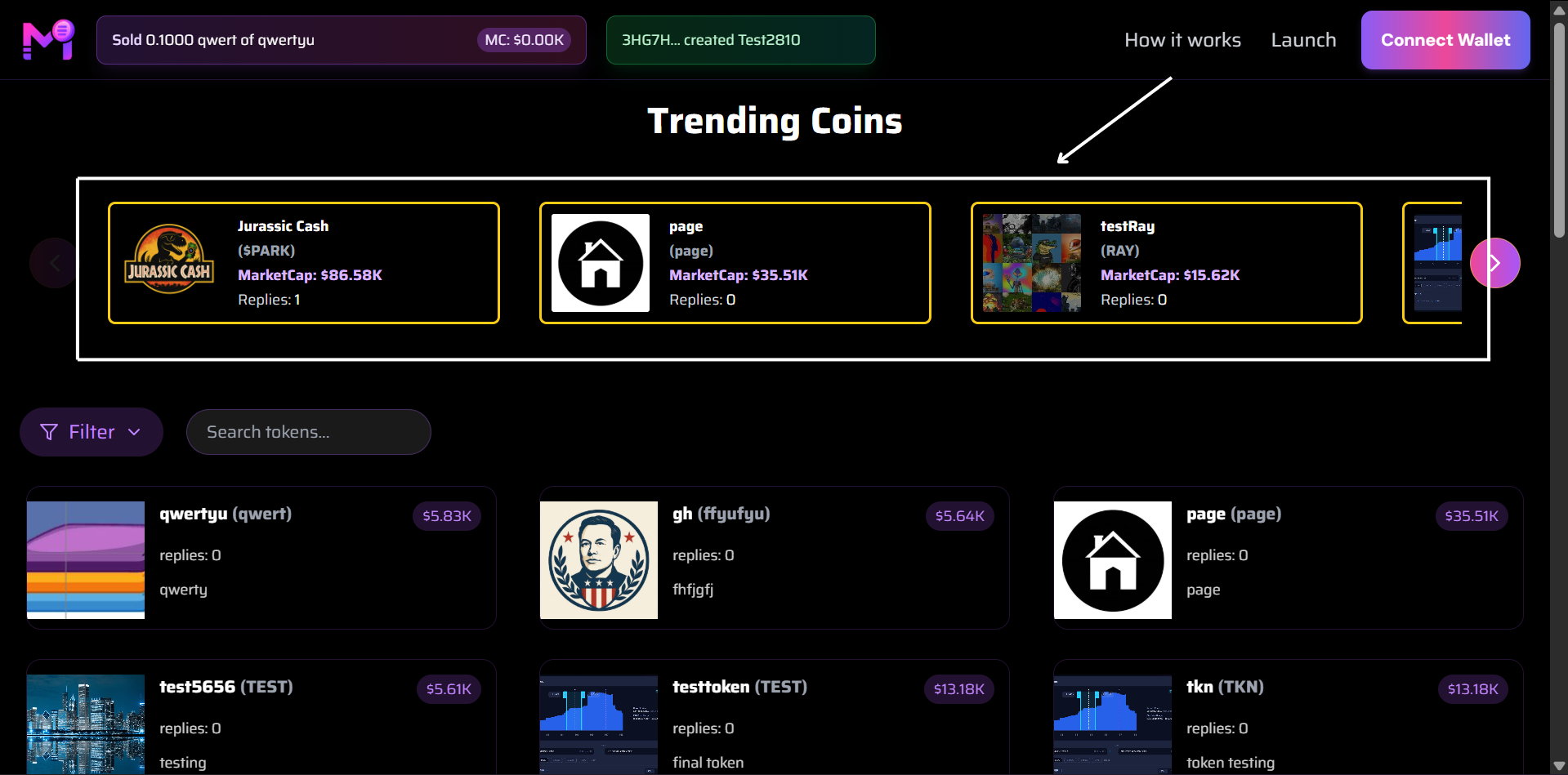 Top trending tokens with Jurassic Cash, page, and testRay highlighted
6. Full Token Grid (Below Trending)
Below the carousel, a grid displays additional tokens with smaller cards, including:
- Token image
- Name (ticker)
- Current price
- Replies
- Description snippet
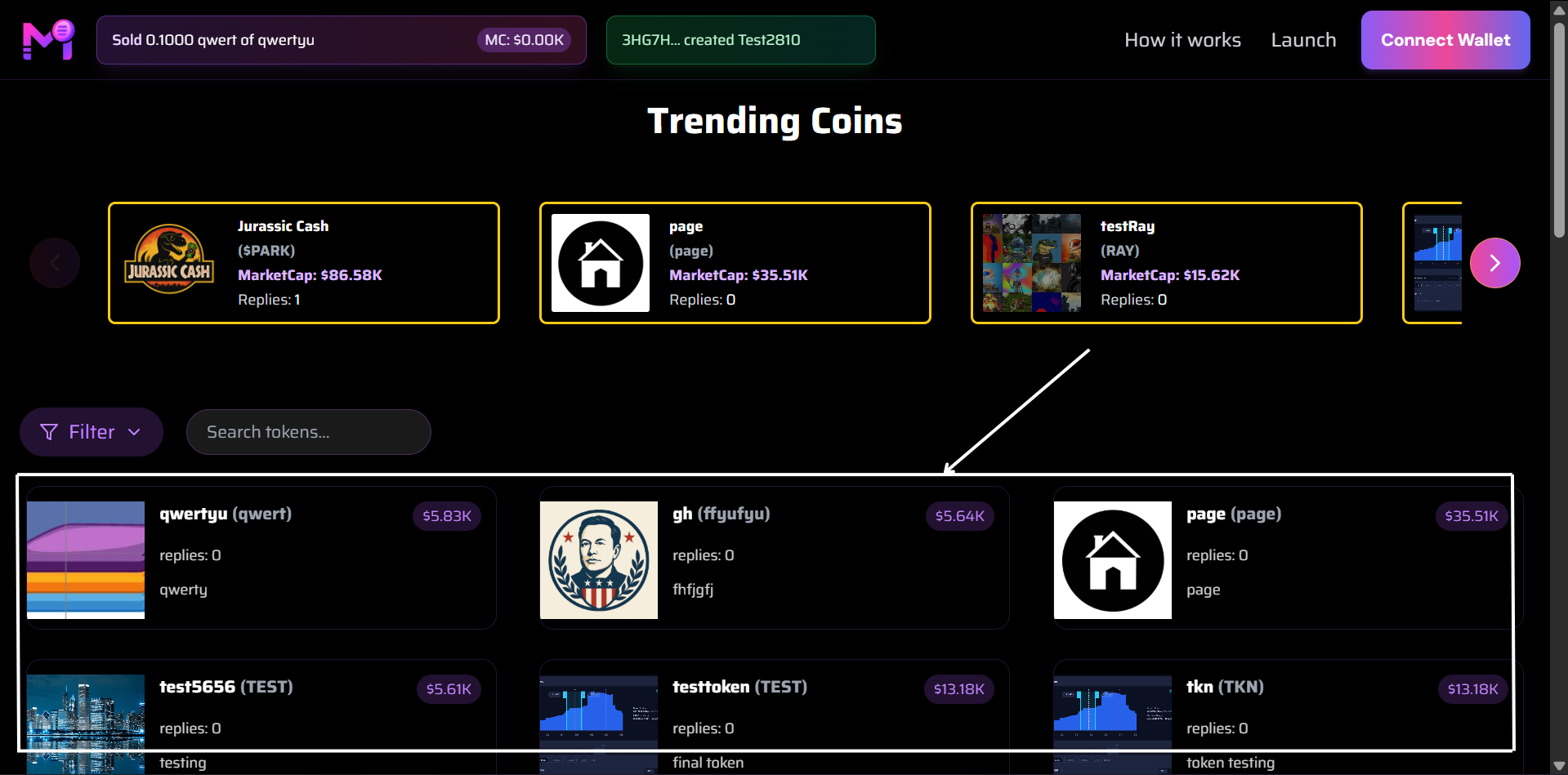 Grid view of lower-tier tokens like qwertyu, gh, test5656, etc.
7. Filter
Filter button can show token by created time and by market cap.
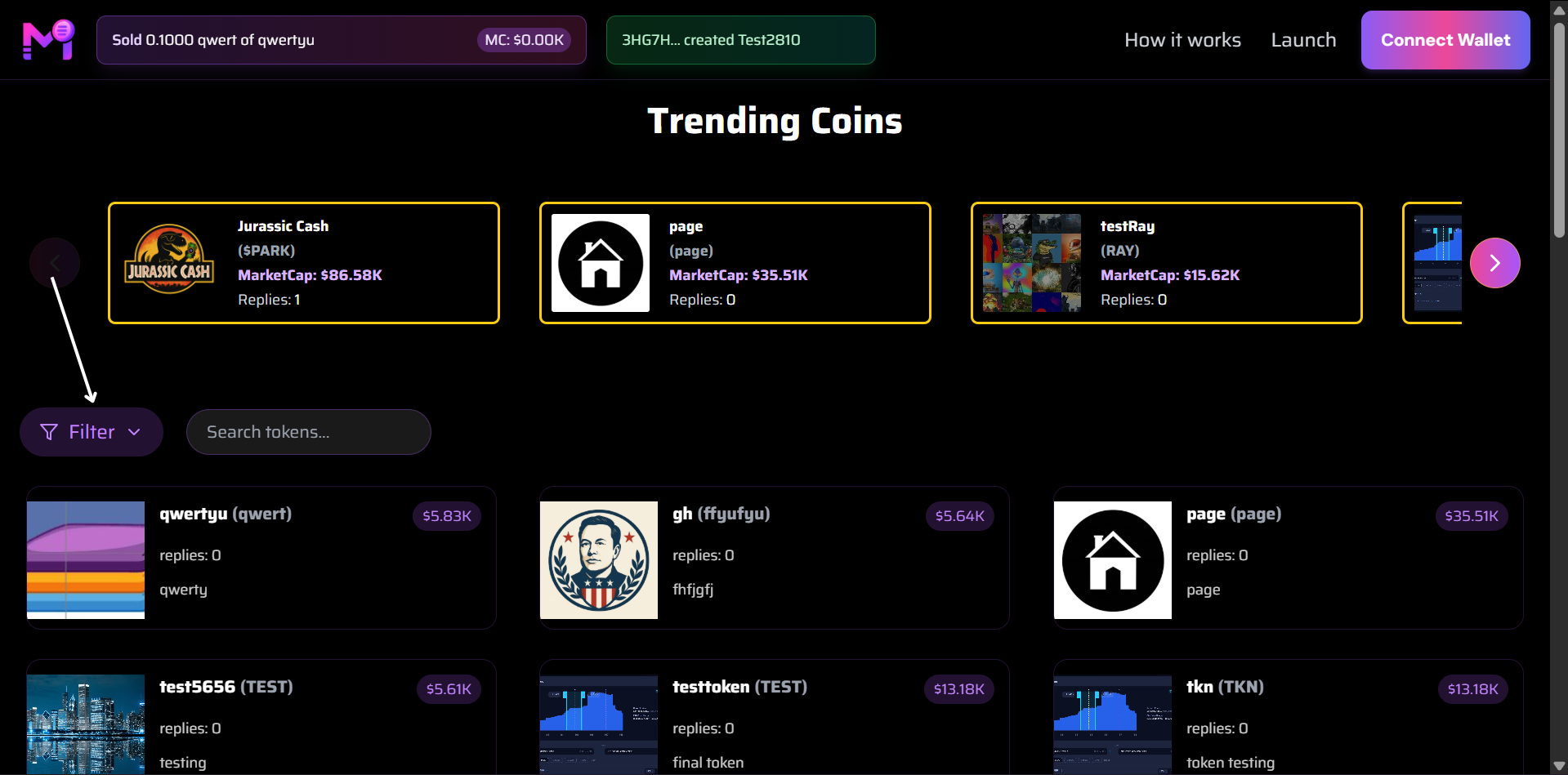 Filter button highlighted in the top-right
Summary of Key UI Elements:
| Element | Purpose |
|---|---|
| Connect Wallet | User authentication & interaction |
| Launch | Create and launch new tokens |
| Sold Notification | Real-time purchase activity |
| Created Badge | Token creator attribution |
| Trending Carousel | Highlight top-performing tokens |
| Token Grid | Browse all available tokens |
| Filter | Show token by created time and market cap |
All images are captured from the live interface and reflect real-time data.